Do I need an account?
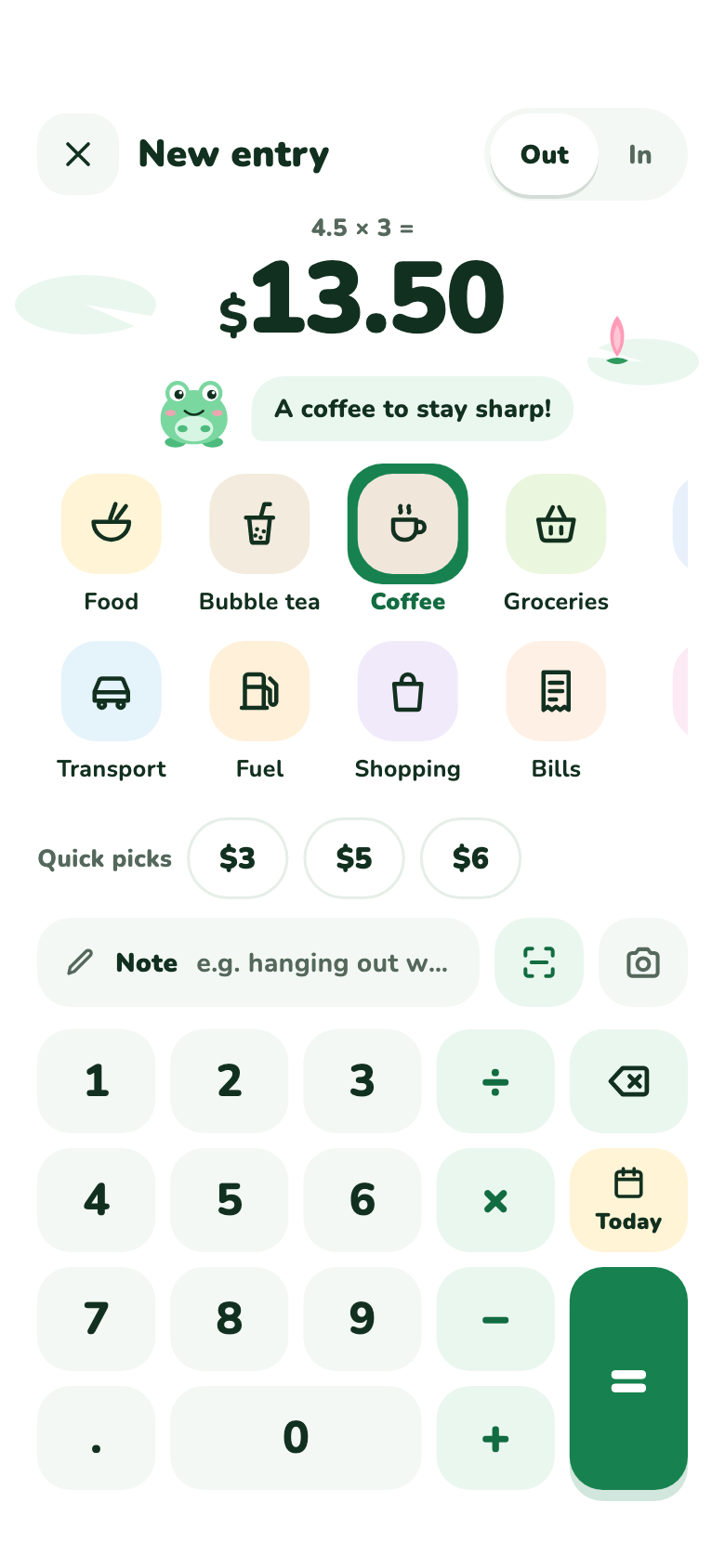
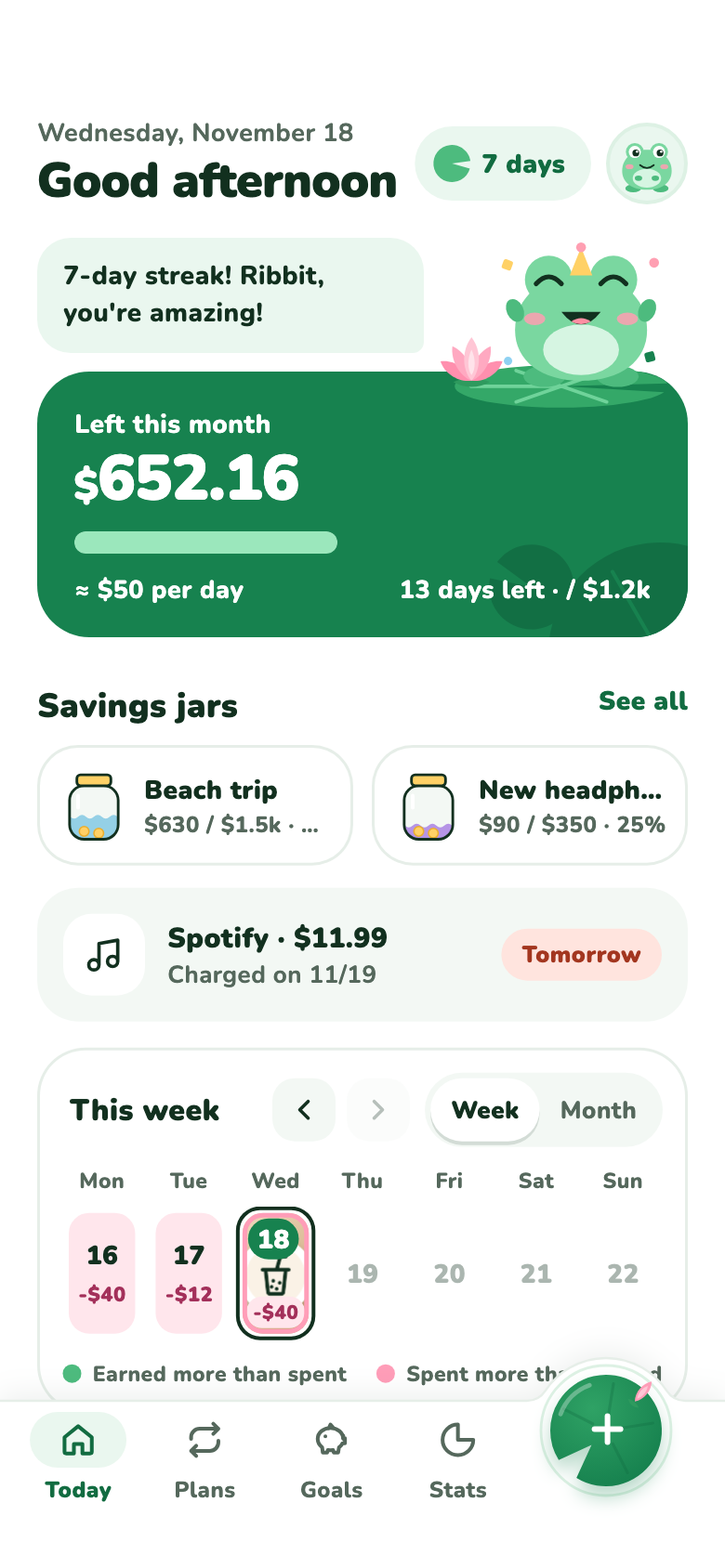
No. Download Frogget, set a monthly budget if you like, and start logging. There's nothing to sign up for.
Does Frogget connect to my bank?
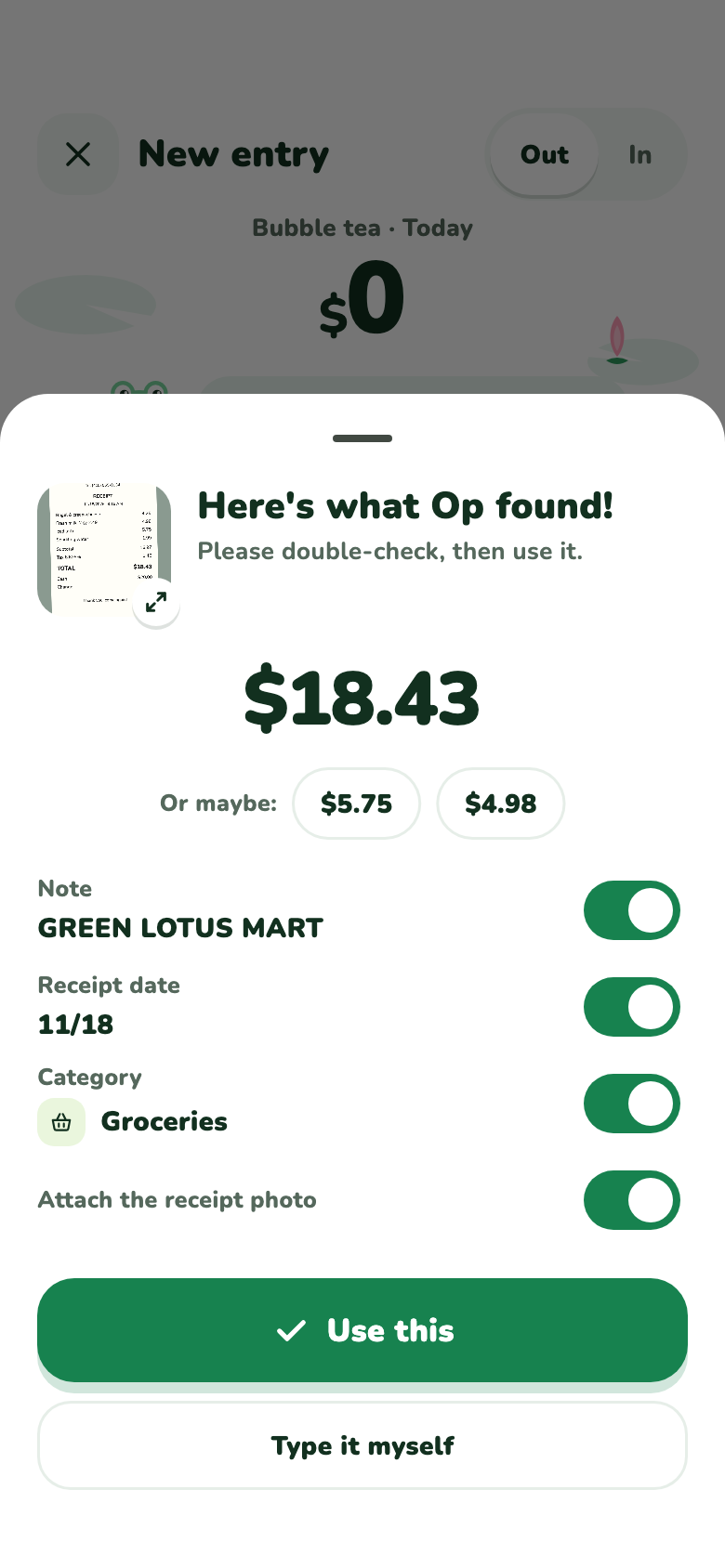
No. You log what you spend yourself, or scan a receipt, and Frogget never asks for bank logins. Many people find that noticing each purchase is exactly what helps them spend more mindfully.
Where is my data stored?
On your phone. Frogget has no servers and no accounts, so we can't see your entries. See our Privacy Policy for the details.
How do I move my data to a new phone?
Open the Me screen, then Your data, and tap "Back up to a file". Save the file to Files, iCloud Drive, Google Drive or anywhere you like. On the new phone, tap "Restore from a file". You can also export everything to a CSV spreadsheet.
How do reminders work?
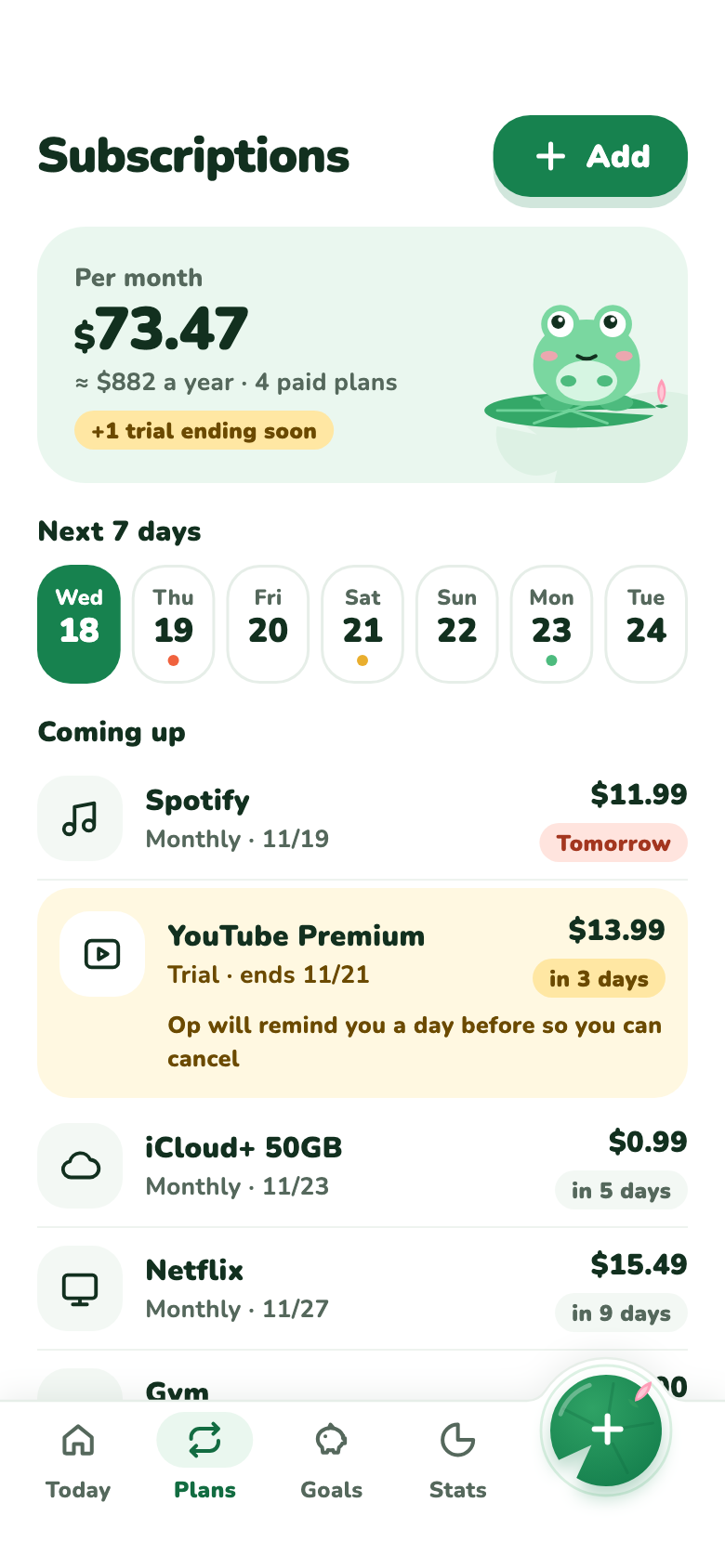
Reminders are scheduled right on your phone as notifications: a few days before a plan renews, the day before, on the day itself, and before free trials end. You can also get an evening nudge if you haven't logged anything yet. Opening the app every now and then keeps the schedule topped up.
Which currencies and languages are supported?
Frogget supports 18 currencies, including US dollar, euro, British pound, Australian, Canadian, New Zealand and Singapore dollars, Japanese yen, Korean won, Chinese yuan, Hong Kong and Taiwan dollars, Thai baht, Philippine peso, Indonesian rupiah, Malaysian ringgit, Indian rupee and Vietnamese dong. The app is available in English and Vietnamese.
Which devices does it run on?
iPhone and iPad from the App Store, and Android phones and tablets from Google Play.
 Budget tracker · Bill reminders
 Curious
 A bit worried
 Sleepy
 Celebrating